
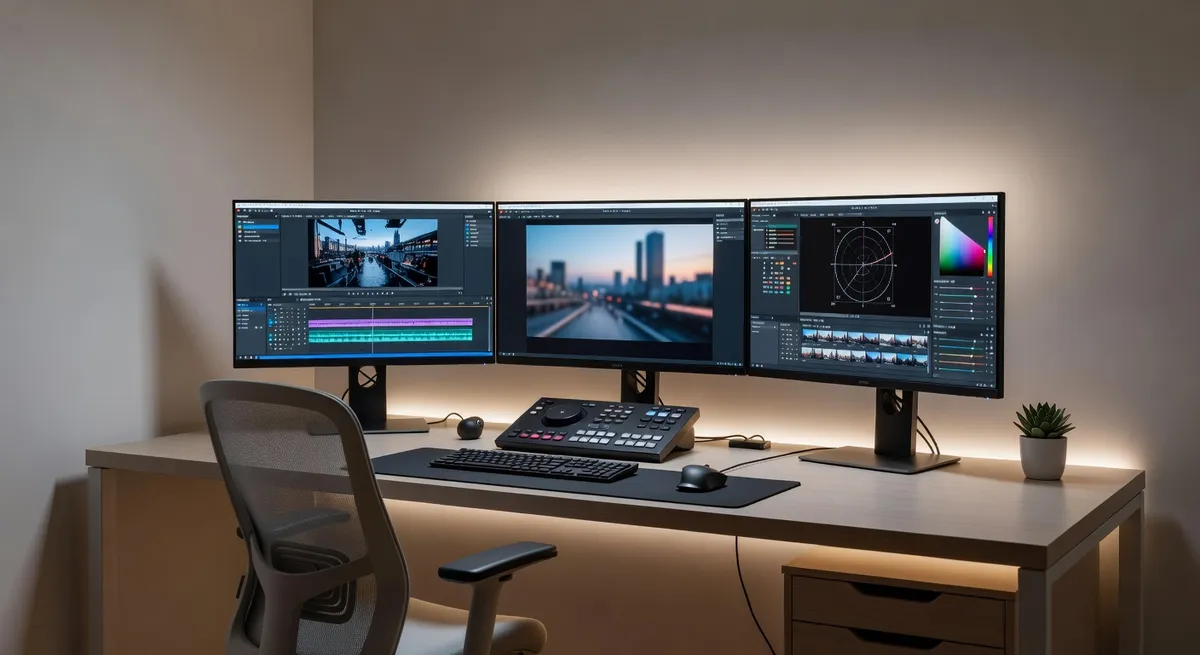
I once spent an entire weekend removing a watermark from a thirty second video clip. Saturday and Sunday, probably fourteen hours total, working frame by frame in After Effects to clean a logo from footage I'd legally licensed but that came with preview watermarking.
Thirty seconds of video. Two full days of work. And the result still had slight inconsistencies if you watched closely, places where the removal wasn't quite perfect because tracking the watermark through motion and maintaining background continuity across hundreds of frames is genuinely difficult.
Last month I had a similar situation. Ten second clip, corner watermark, needed it gone. I tried an AI video watermark remover. Twenty minutes total, including upload time. Results that were actually more consistent than my manual weekend project.
That kind of efficiency difference isn't incremental improvement. It's a fundamental change in what's feasible.
What Video Watermark Removal Actually Involves#
If you've only removed watermarks from still images, you might think video is just the same process repeated for each frame. That's technically true but wildly understates the complexity.
A thirty second video at 30 frames per second is 900 individual images. You need to remove the watermark from every single one. But you can't treat them independently because any inconsistency between frames creates flickering or artifacts when played back.
Traditional approaches use video editing software like After Effects, Premiere Pro, or DaVinci Resolve. You set up tracking to follow the watermark through the footage as it moves with camera motion. You create masks or mattes that define the watermark area. You use clone stamp or healing brush tools, frame by frame, to paint out the watermark.
For static watermarks in fixed positions, you might get away with applying the removal to one frame and propagating it forward. But the background still changes as the camera moves or elements in the scene shift. So you end up constantly adjusting and refining.
For watermarks that move or change size, you're tracking them across the entire sequence and adjusting your removal technique for every frame. It's painstaking. You scrub through the timeline, spot problems, fix them, scrub more, find new problems, fix those, iterate endlessly.
The skill requirement is substantial. You need to understand tracking, masking, blending modes, temporal coherence, motion estimation. Professional video editors know this stuff. Casual users absolutely don't.
And the time investment scales with video length and complexity. Simple scene, short clip? Maybe a few hours. Complex scene with camera movement and watermark motion? Days. Long footage? Forget about it unless you're being paid well.
How AI Changes the Equation#
AI video watermark removal tools work fundamentally differently. They analyze the entire video sequence, understand motion and temporal relationships between frames, and automatically reconstruct clean footage.
From a user perspective, it's absurdly simple. You upload the video. You mark where the watermark is, usually just clicking on it in the first frame. The AI processes the video. You download the clean version.
No frame by frame editing. No tracking setup. No manual cleanup. The AI handles everything, including maintaining consistency across frames and adapting to motion and scene changes.
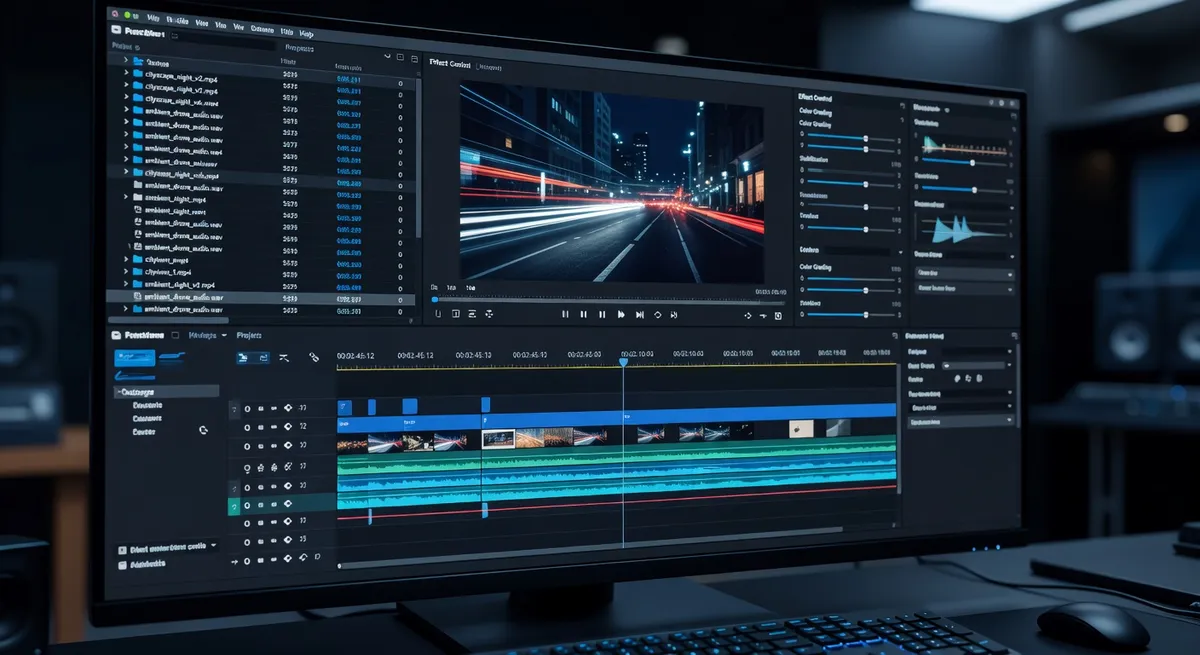
I tested this across different video types to understand the actual performance differences. Simple talking head videos with static watermarks. Action footage with camera motion. Screen recordings with persistent logos. Dynamic scenes with both camera and subject movement.
The processing times varied based on video length and resolution, but the pattern held. AI processing took minutes to maybe an hour for longer videos. Traditional manual removal would've taken hours to days for the same footage.
More importantly, the AI maintained temporal consistency better than my manual efforts. No flickering, no frame to frame variations, no subtle artifacts that became obvious during playback. The algorithms are designed specifically to ensure smooth results across the sequence.
Quality Comparison Across Different Scenarios#
Speed is meaningless if the output is unusable. So I compared quality directly, using the same source videos processed both ways.
For simple scenarios, static watermark in a corner over relatively uniform background, both methods produced good results. Manual editing gave me fine grained control. AI processing gave me faster completion. Quality was comparable.
For complex scenarios, the differences became pronounced. Video with significant motion, watermarks over detailed backgrounds, changing lighting conditions across the clip. These are nightmare scenarios for manual removal because maintaining consistency is so difficult.
AI handled these better than I could manually. The algorithms account for temporal relationships I'd have to track and adjust for manually. They maintain background coherence across frames automatically. They adapt to lighting changes without creating discontinuities.
There were still challenging cases for the AI. Watermarks that blend into backgrounds in unusual ways sometimes left subtle traces. Very small or very large watermarks relative to the frame occasionally confused the reconstruction. But these were exceptions, not the norm.
And critically, even in cases where the AI results weren't perfect, they were usually good enough that minimal manual touchup could fix remaining issues. Compared to starting from scratch with manual removal, that's still a massive time saving.
Where Traditional Editing Still Has Value#
This isn't entirely one sided. Traditional video editing software still has scenarios where it makes more sense.
Highly artistic footage where you need absolute creative control over every pixel might warrant manual editing. If you're working on a film or high end commercial where perfection matters more than time, manual techniques give you that precision.
Complex edits that involve more than just watermark removal benefit from integrated workflows. If you're color grading, adjusting audio, adding effects, cutting sequences, removing the watermark manually as part of that larger process might make sense.
Watermarks integrated into footage in unusual ways, maybe burned into the actual image with blending modes or woven into scene elements, can be tricky for AI and might need human judgment to remove properly.

And if you're a professional video editor who already has the skills and software, who bills by the hour, who needs editing software for other tasks anyway, using those tools for watermark removal is a reasonable choice.
But for standalone watermark removal, especially for people who aren't professional editors, especially for any kind of volume, AI tools are objectively more practical.
The Accessibility Factor#
Traditional video editing software has significant barriers to entry. Cost is one of them. Adobe Creative Cloud subscriptions run around sixty dollars monthly. DaVinci Resolve is free but has a steep learning curve. Either way, you're investing substantial time learning the software before you can competently remove watermarks.
That learning investment is worthwhile if you're doing professional video work. It's not worthwhile if you just need to remove a watermark from one or two clips.
AI video watermark removers eliminate those barriers. Many are browser based, requiring no software installation. They're designed for non experts, with interfaces that anyone can figure out. And many offer free tiers or affordable one time pricing instead of ongoing subscriptions.
This democratization matters. Content creators, social media managers, small business owners, students, anyone who needs clean video footage but doesn't have professional editing skills or budgets can now accomplish what used to require hiring a specialist.
The time accessibility is equally important. If you need a watermark removed today, spending a week learning After Effects isn't viable. But using an AI tool is. The barrier between "I need this done" and "this is done" shrinks from days to minutes.
Processing Speed in Real Numbers#
Let me give you specific comparisons to illustrate the magnitude of difference.
I removed a watermark from a two minute 1080p video manually. Including setup time, tracking, frame by frame cleanup, and rendering, it took approximately six hours. The AI tool I tested processed the same video in eighteen minutes, including upload and download time.
That's a 20x speed improvement. Not twenty percent. Twenty times faster.
For a longer ten minute video, I didn't even attempt full manual removal because the time investment would've been prohibitive. Estimated time based on complexity would've been somewhere around twenty to thirty hours. The AI processed it in about ninety minutes.
These aren't cherry picked examples. They're representative of typical watermark removal scenarios. Static logos, corner placement, video content ranging from simple to moderately complex.
For especially simple cases, where a watermark is truly static and the background never changes, the difference narrows. Manual removal might take an hour, AI might take ten minutes. Still a substantial difference, but less dramatic.
For complex cases, the gap widens even further. Camera motion, watermark animation, changing backgrounds, all factors that exponentially increase manual editing time while having relatively modest impact on AI processing time.
The Quality of AI Reconstruction#
One concern people have with AI video processing is whether it maintains the original video quality or introduces degradation.
Good AI tools preserve quality well. They process at the original resolution, maintain the original frame rate, output in formats that don't introduce significant compression artifacts beyond what you'd get from normal re encoding.
Poor tools definitely can degrade quality. Lower resolution output, aggressive compression, color space changes, frame rate drops. You need to verify what the tool you're using actually delivers.
I tested several AI watermark removers specifically for this. Uploaded high quality source videos, processed them, compared the output quality against the original. The best tools were nearly indistinguishable from the source in areas where they weren't actively reconstructing content. The reconstructed areas looked natural and matched the surrounding video quality.
Some tools offered quality settings, letting you prioritize speed versus output fidelity. This is useful flexibility. For quick previews or low stakes content, faster processing with slight quality tradeoff works fine. For important projects, you can opt for maximum quality at the cost of longer processing.
Traditional editing doesn't have this quality concern in the same way. You're working with the original files directly and controlling output settings explicitly. But you also spend orders of magnitude more time to achieve that control.
Ethical and Legal Considerations#
This applies to both manual and AI removal, but it's worth stating clearly. Removing watermarks from content you don't have rights to use is problematic regardless of the method.
Watermarks exist for copyright protection, licensing verification, attribution. They're not just aesthetic annoyances. They serve legitimate purposes.
If you're removing watermarks from content you've legitimately licensed, from your own footage that went through a watermarked preview process, from content you have explicit rights to use, then watermark removal is a practical editing task.
If you're removing watermarks to use content without payment or permission, that's copyright infringement. The ease of AI removal doesn't change the legal or ethical issues.
The technology is neutral. It's a tool. How you use it determines whether that use is legitimate or not.
Practical Recommendations#
For most users in most scenarios, AI video watermark removal is the better choice. It's faster, easier, often produces quality comparable to or better than manual methods, and it's accessible to non experts.
Use traditional editing methods if you're already a professional editor working within existing editing workflows, if you need absolute pixel perfect control for high end projects, or if you're dealing with edge cases where AI struggles and manual intervention is necessary.
For everything else, for normal watermark removal from normal video content, AI tools are objectively more practical. Tools like AI video watermark removers make this accessible through simple browser interfaces without requiring software expertise.
The time savings alone justify the approach. Hours or days of manual work becoming minutes of automated processing frees you to focus on actually creative aspects of content production instead of tedious technical cleanup.
And the quality is there. This isn't a situation where you're trading quality for convenience. In many cases you're getting both faster results and more consistent quality.
The Technology Trajectory#
AI video watermark removal will continue improving. Processing will get faster. Quality will get better. Edge cases will be handled more reliably. Tools will become even more accessible.
Traditional video editing will remain relevant for professional production work, for complex creative projects, for scenarios where human judgment and artistic control matter most. But for utility editing, for practical content cleanup, AI approaches are already superior and the gap will widen.
We're in a transition period where both methods coexist. Five years from now, manually removing watermarks frame by frame will seem as outdated as manually retouching photos pixel by pixel seems now that we have sophisticated automatic tools.
The comparison I opened with, spending a weekend on thirty seconds of footage, will sound absurd to future content creators who've only ever used AI tools. And honestly, it should sound absurd. It was absurd. It was just the only option available at the time.
Now better options exist. They work well. They're accessible. There's no good reason to stick with inefficient methods when efficient alternatives deliver equal or better results.
If you're still removing video watermarks manually, you're working harder than necessary. The technology has moved forward. Your workflow should too.