AI can now write a full song, clone your voice, strip vocals from a track, and clean up messy audio — but no single tool does all of it well. The model that produces a chart-ready pop song is not the one that generates a clean corporate voiceover, and neither separates a drum track from a finished mix.
So rather than ranking tools 1-to-15, this guide matches the right AI audio tool to each job. Find what you're actually trying to make — a song, a voiceover, background music, a clean recording — and you'll find the tool built for it, plus a runner-up if the top pick doesn't fit.
Every pick below reflects what each tool genuinely does best, with honest 2026 pricing.
🎵 Best for AI Song Generation
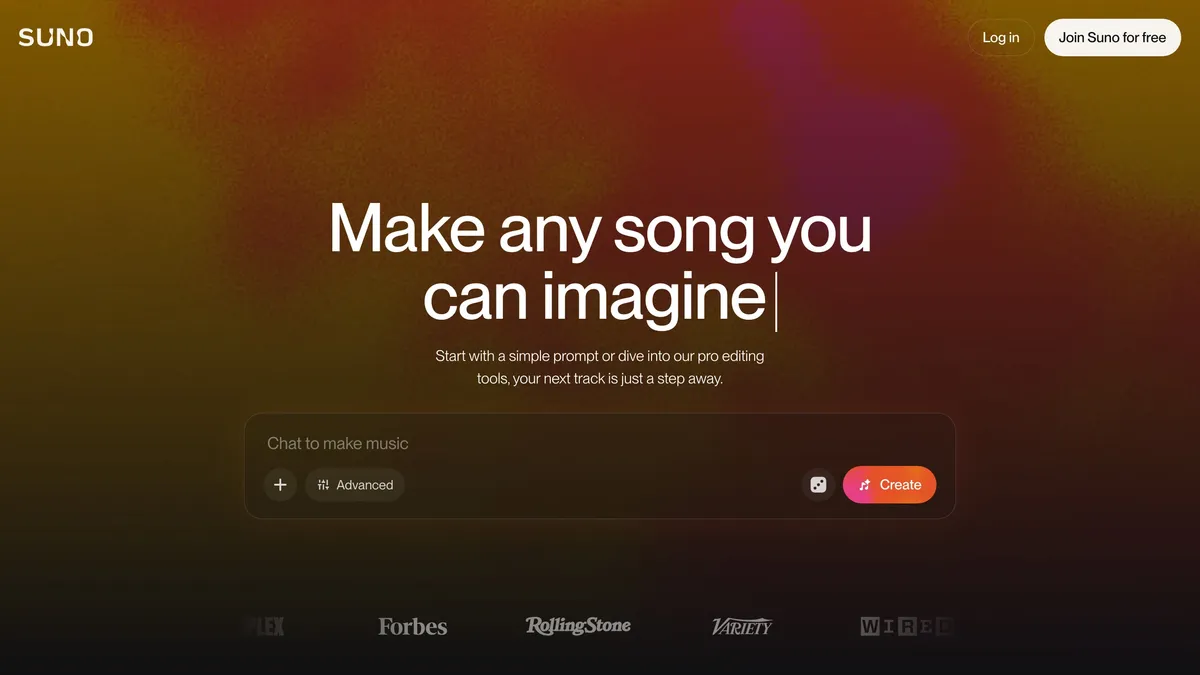
Suno is the tool most people mean when they say "AI music," and its latest models are the quality benchmark of 2026 — topping head-to-head rankings for audio fidelity, song structure, and vocal realism. Type a prompt or paste your own lyrics and it produces a complete track with verses, choruses, and convincing vocals in seconds. It's the most approachable serious option, with 50 free credits a day and Pro plans from about $8/month billed annually. The output is genuinely usable for social content, demos, and hobby projects, not just novelty. For turning an idea into a finished song faster than any other tool, Suno is the default starting point.
🎛️ Best for Music Producers
Udio is the AI music tool built for people who actually produce, favored by musicians who want control beyond "generate and pray." Its Sessions editor supports non-linear editing, inpainting (regenerating a specific section without redoing the whole song), and Remix for spinning up variations — closer to a DAW workflow than a one-shot generator. That makes it the better pick when you need to refine a track, fix a weak bridge, or iterate toward a specific sound. Pro-tier plans unlock API access and higher limits for heavier use. If Suno is for finishing a song fast, Udio is for crafting one deliberately.
⚖️ Best for Commercially-Safe Music
Stable Audio, from Stability AI, is the pick when licensing clarity matters more than chart-topping vocals — for music that will live in an ad, a game, an app, or a client's video. It's built around commercially-cleared training and transparent usage rights, so you're not gambling on whether a generated track is safe to monetize. The output leans instrumental and production-ready rather than full pop songs, which suits background beds, loops, and soundtracks. For teams and businesses that need to ship audio without legal worry, that peace of mind is the whole point. When "can I actually use this commercially?" is the first question, Stable Audio is the reassuring answer.
🎼 Best for Royalty-Free Background Music
Mubert specializes in the unglamorous but constant need for royalty-free background music — the beds under YouTube videos, streams, podcasts, and apps. Instead of prompting for a full song, you pick a mood, genre, and length, and it generates as much on-brand background audio as you need, cleared for use. It's a favorite of content creators who publish daily and can't risk copyright strikes from licensed tracks. A free Ambassador tier lets you try it, with Creator at $14/month for commercial use and higher tiers for heavy volume. When you just need pleasant, safe, unlimited background music on tap, Mubert is purpose-built for it.
🗣️ Best for Voiceover & Voice Cloning
ElevenLabs is the gold standard for AI voice, and it's a different job entirely from music generation. Its 2026 models capture emotion, emphasis, and natural pacing convincingly enough for narration, ads, audiobooks, and video voiceovers. Voice cloning is its superpower — record a short sample and it recreates your voice across 30+ languages, opening the door to dubbing and consistent narration without re-recording. The free tier is enough to experiment, with paid plans from about $5/month scaling by the amount of audio you generate. For any project that needs a spoken voice rather than a song, ElevenLabs is the clear pick.
🔇 Best for Audio Cleanup
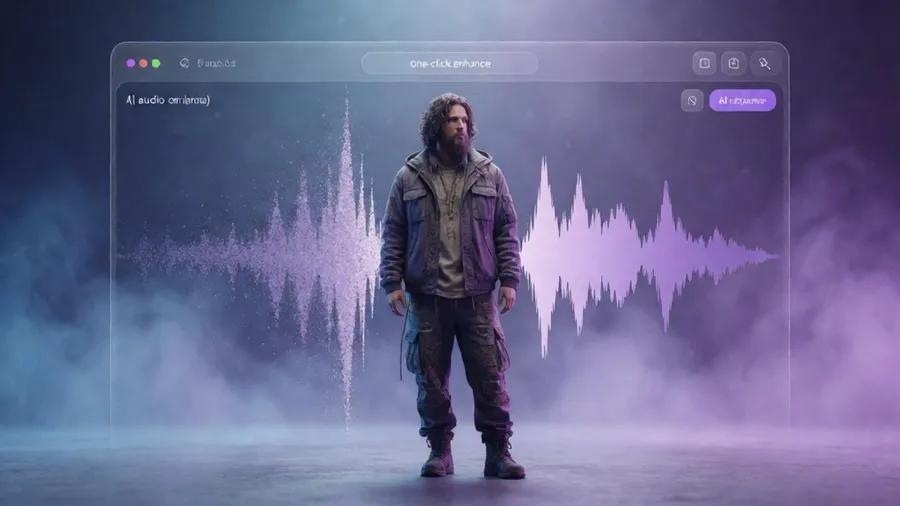
Adobe Podcast tackles the job every creator hits eventually: making a rough recording sound clean. Its Enhance Speech AI strips background noise, echo, and harshness, transforming a phone or laptop recording into something close to studio quality with one click. Now out of beta, it also adds source separation and multitrack tools, but the free web enhancer alone solves most people's audio problems. It's the fastest path from "this sounds amateur" to "this sounds professional," no plugins or audio expertise required. When the goal is simply a clean, listenable voice track, Adobe Podcast is the easiest fix available.
🎚️ Best for Stem Separation
AudioShake does something that used to be impossible: it takes a finished, mixed track and cleanly separates it back into individual stems — vocals, drums, bass, and instruments. That unlocks remixing, sampling, karaoke versions, re-scoring, and rescuing dialogue buried under music. Its separation quality is high enough that studios and rights-holders use it in professional workflows, and it can even isolate individual speakers from a single recorded track. Pricing starts around $19.99/month with pay-as-you-go options for one-off jobs. When you need to break a mix apart with clean results, AudioShake is the tool the pros reach for.
🔊 Best for Sound Effects

Audiogen fills a small but real gap: generating custom sound effects from a simple text description. Need "a heavy wooden door creaking shut" or "distant city traffic at night"? Type it and get a usable clip, no sound library digging required. It's free, which makes it an easy addition to any creator's toolkit for videos, games, and podcasts that need specific ambient sounds or effects. While the big voice tools now offer SFX too, a dedicated free generator is handy for quick, one-off sounds. For filling in the audio details that make content feel finished, Audiogen is a genuinely useful little tool.
📊 Quick Comparison Table
| Best For | Top Pick | Runner-Up | From |
|---|---|---|---|
| AI song generation | Suno | Udio | $8/mo |
| Music producers | Udio | Riffusion | $10/mo |
| Commercially-safe music | Stable Audio | ElevenLabs Music | Free |
| Royalty-free background | Mubert | Soundraw | Free |
| Voiceover & cloning | ElevenLabs | Murf | $5/mo |
| Audio cleanup | Adobe Podcast | Auphonic | Free |
| Stem separation | AudioShake | LALAL.AI | $19.99/mo |
| Sound effects | Audiogen | ElevenLabs SFX | Free |
🎯 How to Choose the Right AI Audio Tool
Because these tools barely overlap, the trick is naming your job first:
Making music? Suno to finish a song fast, Udio to produce one deliberately, Stable Audio when it has to be commercially clean, Mubert for endless background beds.
Working with a voice? That's a different tool entirely — ElevenLabs for narration, ads, and cloning. Don't reach for a music generator for spoken audio.
Fixing or splitting existing audio? Adobe Podcast to clean a rough recording, AudioShake to separate a mix into stems. These are editing jobs, not generation.
Just experimenting? Start free. Suno's daily credits, Mubert's free tier, Adobe Podcast's enhancer, and Audiogen all let you test before paying.
Most creators end up with a small combo — a music generator, a voice tool, and a cleanup tool — rather than one app doing everything.
❓ Frequently Asked Questions
What is the best AI music generator in 2026? Suno is the overall quality leader for full songs with vocals, while Udio is preferred by producers who want editing control. For commercially-cleared instrumental music, Stable Audio is the safest choice.
Can I use AI-generated music commercially? It depends on the tool. Stable Audio and ElevenLabs Music are built around clean commercial licensing, and Mubert clears its tracks for commercial use on paid plans. Always check the license tier before monetizing.
What's the best AI tool for voiceovers? ElevenLabs is the clear leader for natural-sounding narration and voice cloning across 30+ languages. Murf is a solid alternative geared toward business voiceovers.
How do I separate vocals from a song? Use a stem-separation tool like AudioShake or LALAL.AI — they use AI to pull clean vocals, drums, and instruments out of a finished mix, which is useful for remixing, karaoke, and sampling.
Are there good free AI audio tools? Yes. Suno offers daily free credits, Adobe Podcast's speech enhancer is free, Mubert has a free tier, and Audiogen's sound-effect generator is free to use.
Final Thoughts: Match the Tool to the Sound
The best AI audio tools in 2026 win different jobs, not an overall crown. Suno and Udio own song creation, ElevenLabs owns voice, Stable Audio and Mubert own commercial and background music, and Adobe Podcast and AudioShake own cleanup and stems.
So don't hunt for one "best" AI audio tool. Decide what sound you're trying to make — a song, a voice, background music, or a clean recording — pick the tool built for that job, and add another only when a new need appears. Almost all of these are free to try, so you can find your perfect setup without spending a cent.
Ready to create more with AI? Explore Cliptics AI audio & music tools to generate, clean up, and repurpose sound — and give every project the audio it deserves.