
"AI productivity tool" means a dozen different things — a workspace, a meeting notetaker, a scheduler, an automation engine, an email client. No single app is best at all of them, and stacking five that overlap just adds new busywork instead of removing it.
So this guide skips the flat ranking and matches the right tool to each job a remote team actually has. Find your real bottleneck — too many meetings, calendar chaos, repetitive tasks, inbox overload — and you'll find the tool built to kill it, plus a solid runner-up.
Each pick reflects what the tool genuinely does best, with honest 2026 pricing.
🧠 Best All-in-One AI Workspace
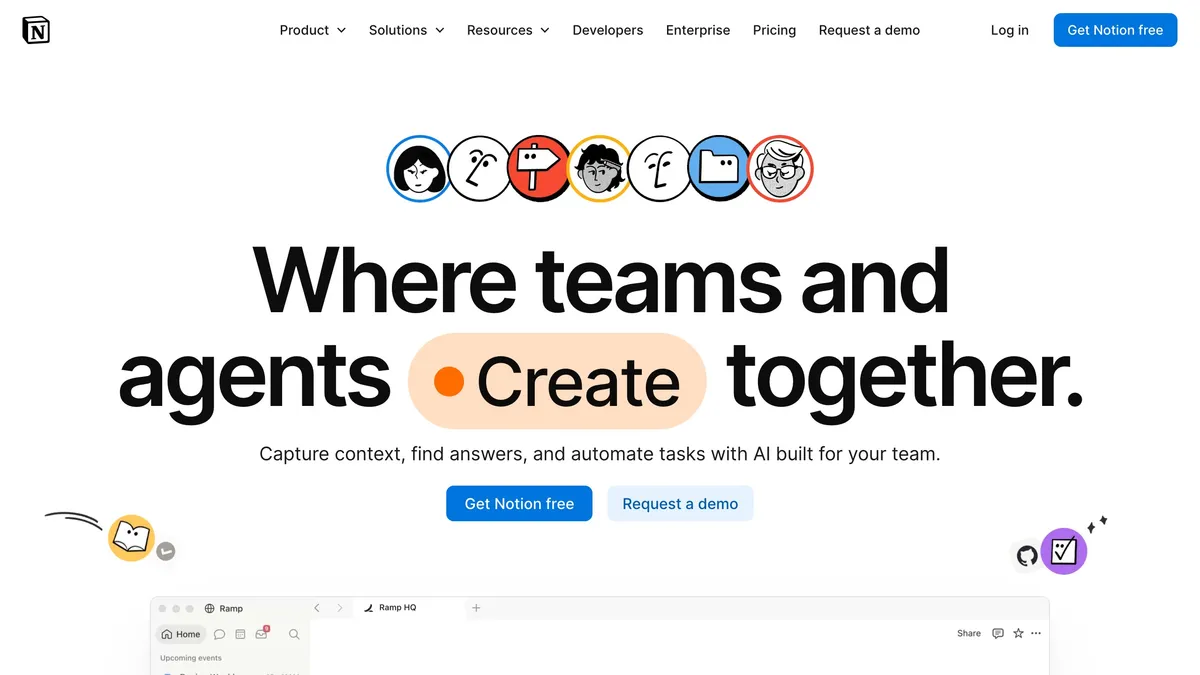
Notion AI is the pick when your real problem is information scattered across a dozen apps. It combines notes, docs, project tasks, and team wikis into one workspace, then layers AI on top to draft content, summarize long pages, and answer questions using everything your team has stored. For remote teams, that shared, searchable single source of truth is the whole value — decisions and docs stop getting lost in chat. The AI add-on runs about $10/month and turns your workspace into something you can actually ask questions of. If you already live in Notion or want one hub instead of five tools, this is the natural home base.
💬 Best AI Assistant
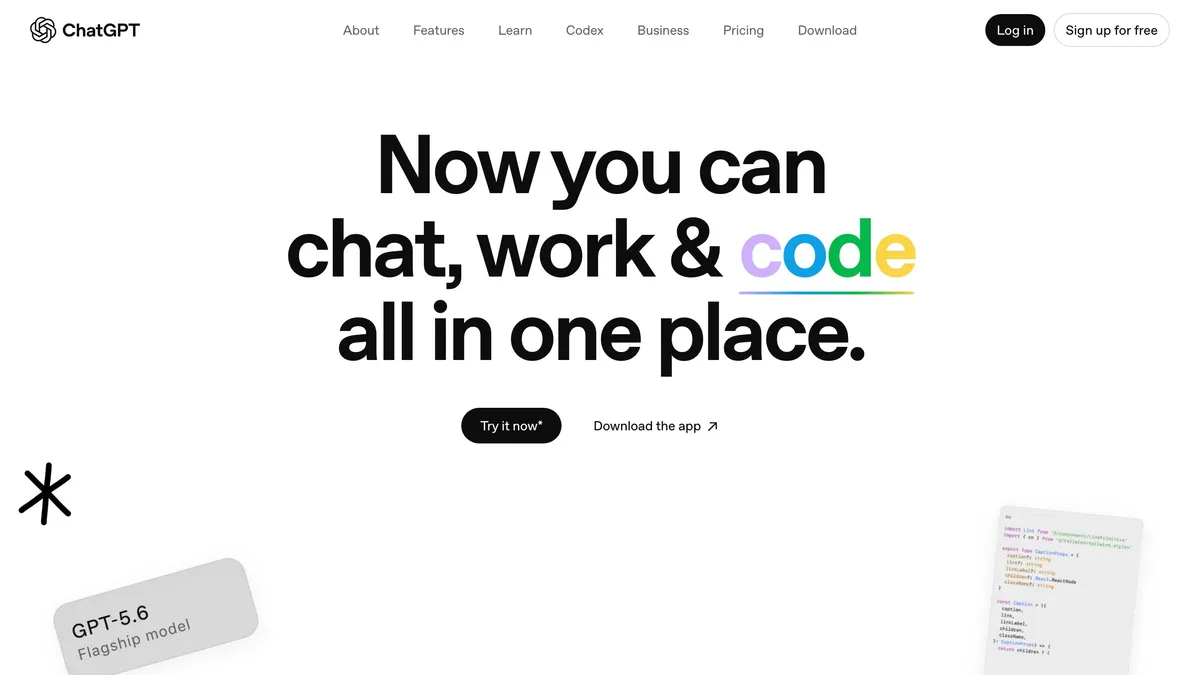
ChatGPT remains the default general-purpose AI assistant, and for most knowledge workers it's the single highest-leverage tool on this list. It drafts emails and docs, analyzes spreadsheets, explains and writes code, and researches topics — all in one conversation that now remembers context and connects to your files and apps. The $20/month Plus plan unlocks the strongest models and higher limits, though the free tier is capable for lighter use. For teams, it collapses a lot of small tasks that used to eat the day into quick back-and-forth. If you only add one AI tool to your workflow, a general assistant like ChatGPT (or its close rival Claude) is the one.
📝 Best for Meeting Notes
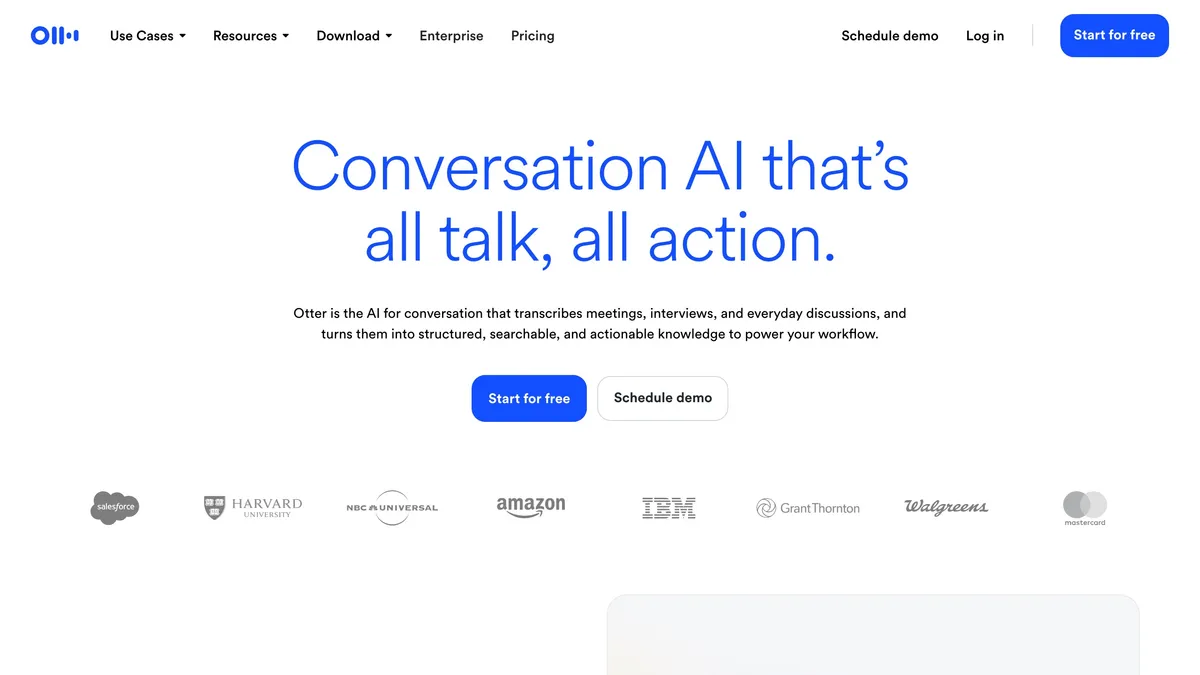
Otter solves the specific pain of meeting-heavy roles: you can either take good notes or actually engage, not both. It joins your calls, transcribes them in real time, identifies speakers, and produces a clean summary with action items the moment the meeting ends. For distributed teams, that means everyone — including people who couldn't attend — gets a searchable record and a shared to-do list automatically. Plans start around $16.99/month, with a free tier for lighter use. If your calendar is a wall of meetings and you're tired of typing while listening, Otter hands that job to AI so you can be present.
📅 Best for Auto-Scheduling Tasks
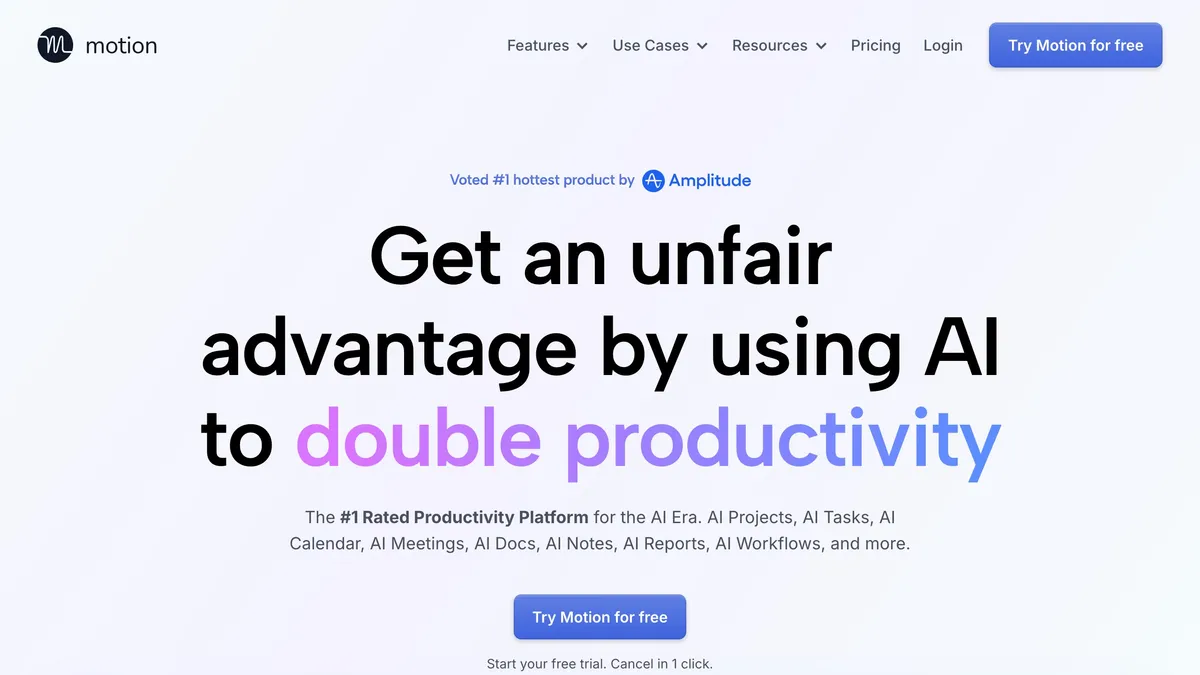
Motion is for people whose bottleneck is deciding what to work on and when. It takes your tasks, meetings, and deadlines and automatically builds an optimized daily schedule, re-planning in real time when a meeting runs long or a priority shifts. Instead of maintaining a to-do list and a calendar separately, you get one intelligent plan that tells you what to do next. It's a favorite of busy managers and founders juggling more than they can mentally track. At $29/month it's not the cheapest, but for chronic over-schedulers the automatic planning pays for itself. When calendar chaos is your core problem, Motion does the planning so you don't have to.
⏰ Best for Protecting Focus Time
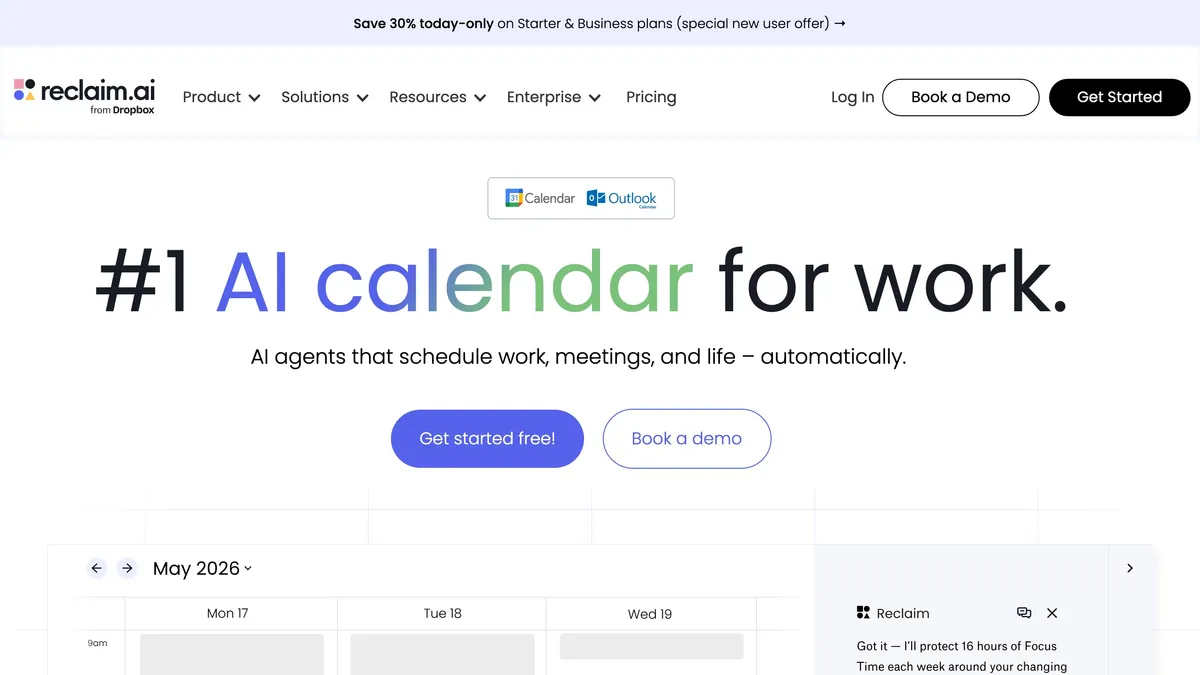
Reclaim tackles a subtler problem than task scheduling: keeping your calendar from filling with meetings until no real work time is left. It automatically finds and defends focus blocks, habits (like lunch or a daily planning slot), and breaks, flexing them around new meetings so your deep-work time survives the week. For remote teams battling meeting overload, it quietly protects the hours where actual output happens. It has a genuinely useful free tier, with paid plans adding smarter automation and team features. If your issue isn't planning tasks but simply finding uninterrupted time to do them, Reclaim is built for exactly that fight.
⚡ Best for Workflow Automation
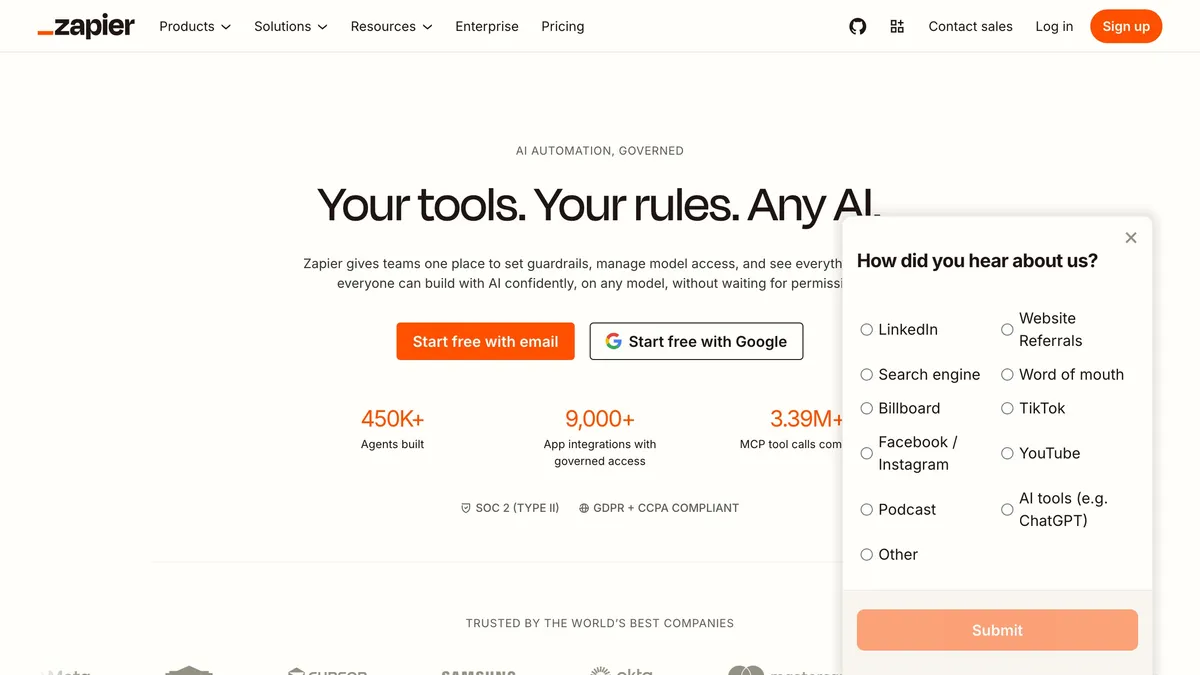
Zapier is the tool for eliminating the repetitive digital busywork that eats hours across a team — copying data between apps, sending follow-ups, updating records. It connects thousands of apps and lets you build automated workflows ("when X happens, do Y") without code, now with AI steps that can draft, classify, and decide inside a flow. For remote teams, that means the small handoffs between tools happen automatically instead of landing on someone's plate. A free tier covers basic automations, with Professional from about $29.99/month for serious multi-step flows. When the same manual steps keep repeating, Zapier is how you make them disappear.
📧 Best for Email Productivity
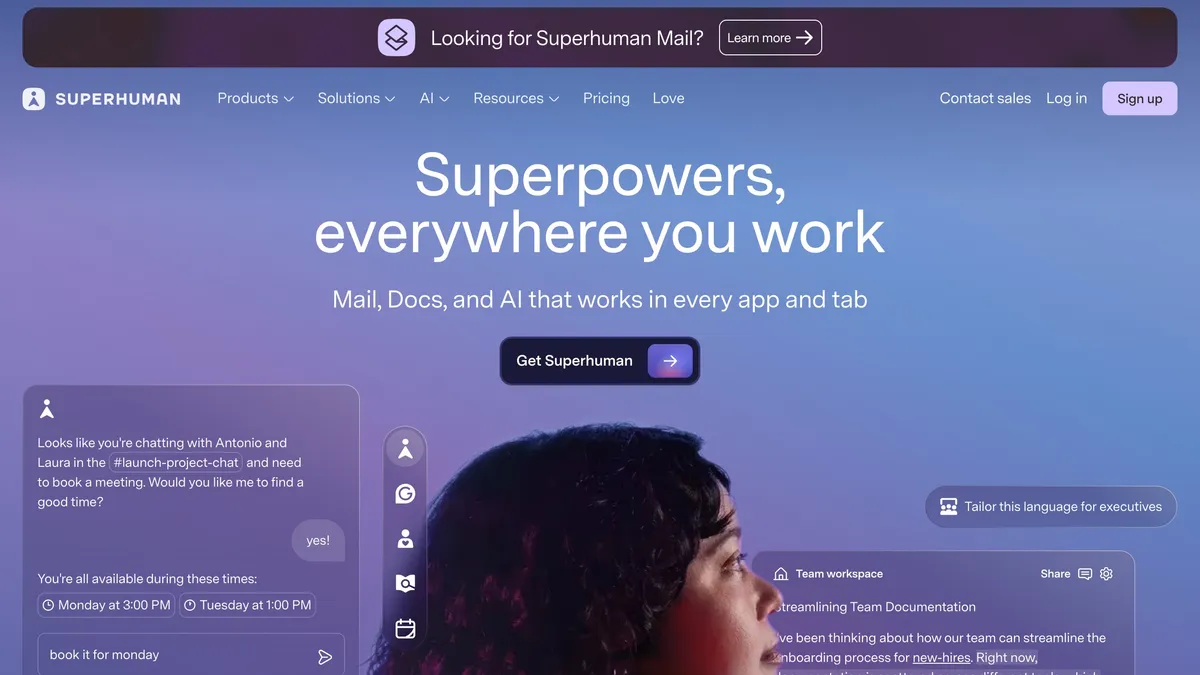
Superhuman is built for people whose inbox is a genuine time sink, and its AI features have widened the gap. It combines a blazing-fast, keyboard-driven interface with AI that drafts replies in your voice, summarizes long threads, and helps triage what actually needs attention. Power users routinely report cutting the time they spend in email dramatically, which is the entire pitch at $30/month. For executives, founders, and anyone living in their inbox, that reclaimed time is worth the premium. If email is where your hours quietly disappear, Superhuman is the tool designed to give them back.
🔍 Best for Search Across Your Apps
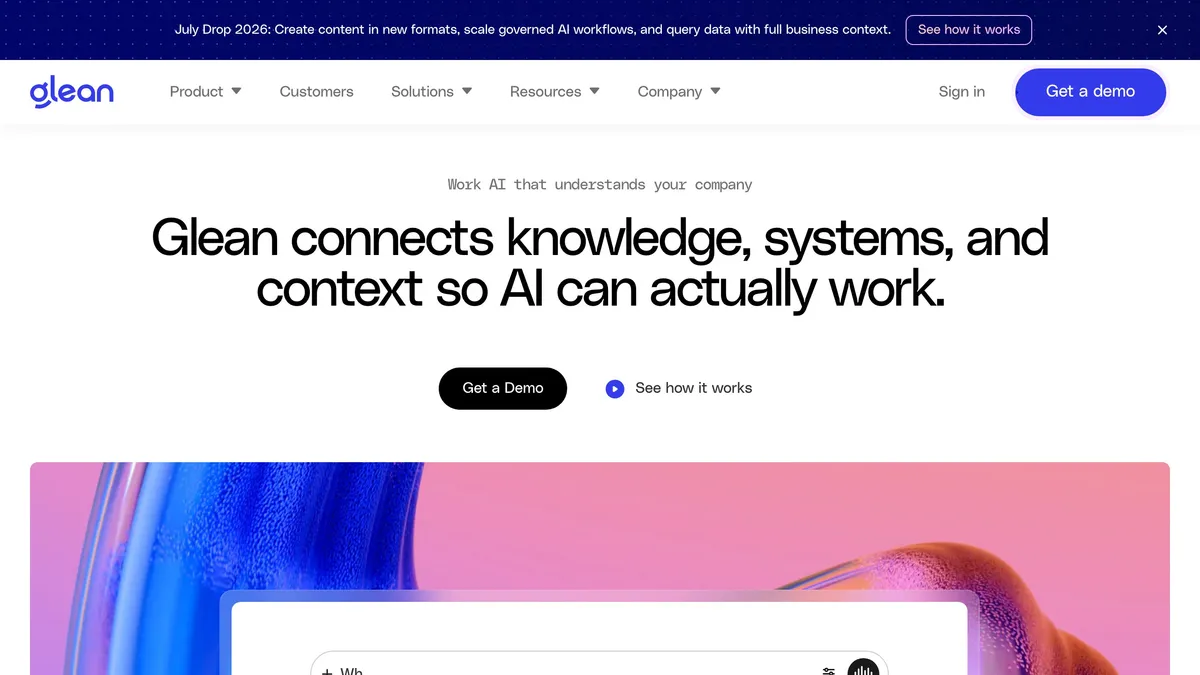
Glean solves an enterprise-scale version of information overload: the answer you need exists somewhere across Slack, Drive, email, and a dozen SaaS tools, but finding it wastes real time. It indexes all your connected work apps and gives the whole company one AI-powered search bar that understands natural-language questions and returns the actual answer, with sources. For larger remote teams, that means less pinging colleagues and less digging through tools to relocate something you saw last week. It's an enterprise product with custom pricing, aimed at organizations where knowledge is genuinely scattered. When "where is that?" is a recurring team-wide drain, Glean turns your scattered tools into one searchable brain.
📊 Quick Comparison Table
| Best For | Top Pick | Runner-Up | From |
|---|---|---|---|
| All-in-one workspace | Notion AI | Mem | $10/mo |
| AI assistant | ChatGPT | Claude | $20/mo |
| Meeting notes | Otter | Fathom | $16.99/mo |
| Auto-scheduling | Motion | Reclaim | $29/mo |
| Protecting focus time | Reclaim | Clockwise | Free |
| Workflow automation | Zapier | Make | Free |
| Email productivity | Superhuman | Shortwave | $30/mo |
| Search across apps | Glean | Dashworks | Custom |
🎯 How to Choose the Right AI Productivity Tool
The mistake is buying tools by hype instead of by bottleneck. Name your actual problem first:
Drowning in scattered info? A workspace (Notion AI) or company-wide search (Glean) is your fix — not another notetaker.
Losing time to meetings? Otter to reclaim note-taking, Reclaim to protect the focus hours meetings eat into.
Can't decide what to do next? Motion auto-plans your day; Reclaim guards the time to execute it.
Doing the same manual steps over and over? That's an automation job — Zapier, not a new app.
Living in your inbox? Superhuman is built to get those hours back.
Don't buy all eight. Pick the one that targets your biggest daily drain, and layer in a second only when a different bottleneck becomes the pain.
❓ Frequently Asked Questions
What is the best AI productivity tool for remote teams? It depends on your bottleneck. Notion AI is best for scattered information, Otter for meeting overload, Motion for scheduling chaos, and Zapier for repetitive busywork. A general assistant like ChatGPT is the highest-leverage single addition.
What's the best AI meeting notetaker? Otter is the standard for transcribing and summarizing meetings with shared team access. Fathom and Granola are strong alternatives, with Granola known for a more invisible, low-friction approach.
Do I really need multiple AI productivity tools? Only if you have multiple bottlenecks. Most people get the biggest win from one general assistant plus one tool aimed at their specific pain — meetings, scheduling, or email — rather than a sprawling stack.
Are there free AI productivity tools? Yes. ChatGPT, Notion, Reclaim, and Zapier all have capable free tiers, and Otter offers free transcription for lighter use. Start free and upgrade only when you hit the limits.
What's the best AI tool for scheduling? Motion is best for full automatic task scheduling around your calendar, while Reclaim excels at defending focus time and habits. Many people find Motion better for planning and Reclaim better for protecting time.
Final Thoughts: Fix the Bottleneck, Not the Hype
The best AI productivity tools of 2026 win specific jobs. Notion AI and Glean tame scattered information, Otter and Motion and Reclaim tame the calendar, Zapier kills repetitive work, and Superhuman reclaims the inbox — while a general assistant like ChatGPT quietly speeds up everything.
So don't chase the longest tool list. Name the bottleneck costing your team the most time, deploy the tool built to remove it, and add another only when a new drain appears. Nearly all of these are free to try, so you can prove the win before you pay.
Ready to work smarter with AI? Explore Cliptics AI productivity tools to automate busywork, speed up content, and give your team back its time.