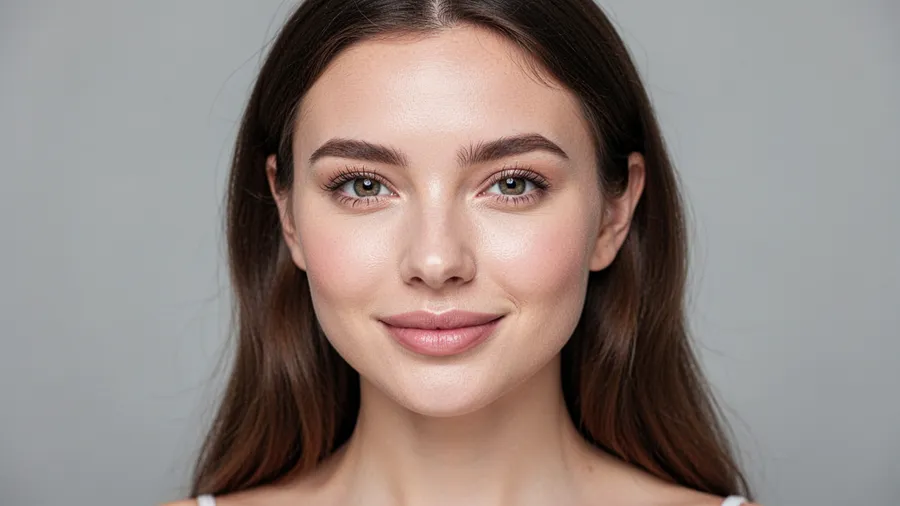
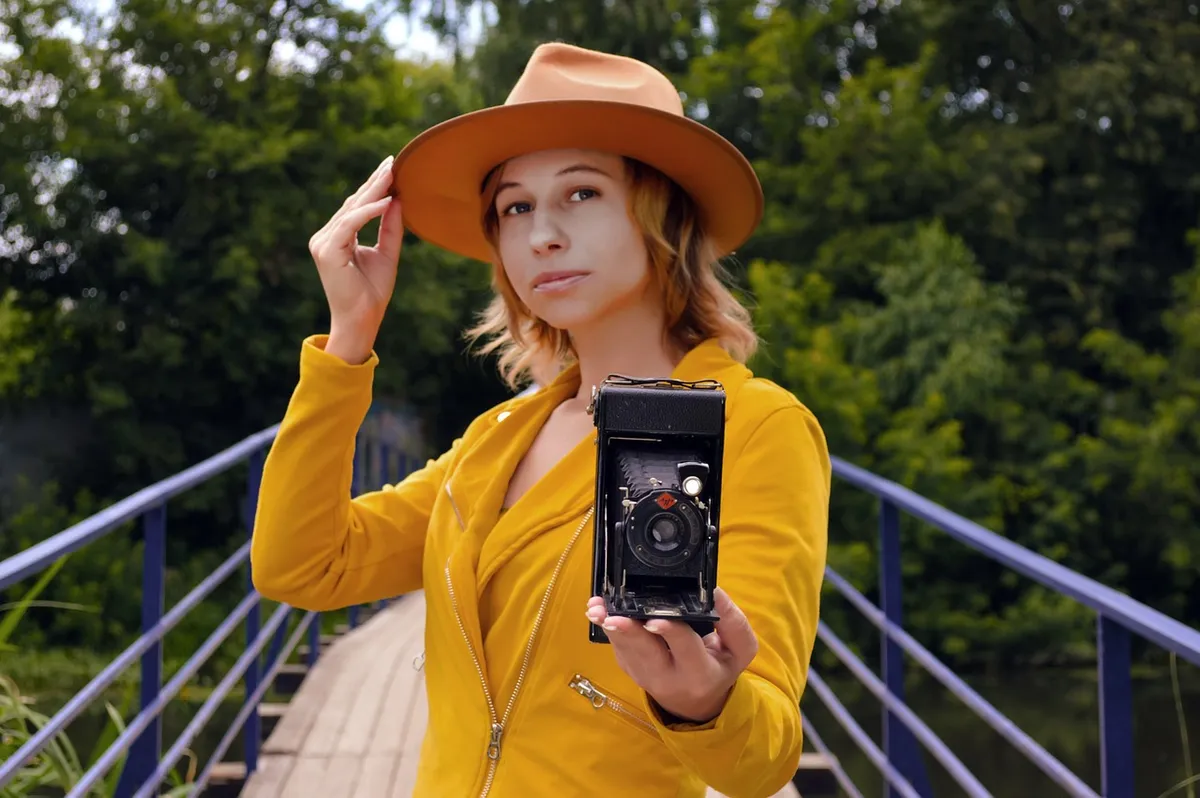
Your social media portrait serves as your digital first impression. Research shows that users form opinions within mere seconds of seeing a profile image, making your portrait one of your most powerful branding tools. While professional photographers have long mastered the art of capturing stunning portraits, you don't need expensive equipment or years of training to create scroll-stopping images for your social platforms.
Mastering Portrait Lighting#
Lighting makes or breaks a portrait. Recent analytics reveal that properly lit portraits receive up to 40% more engagement than poorly lit ones. Natural light remains the most versatile and flattering option for most social media portraits.
Window Light: Your Secret Weapon#
Position yourself about 45 degrees to a large window during morning or late afternoon hours. This angle creates dimension while maintaining even illumination across your face. For portraits with more character, try standing within 2-3 feet of the window with your body angled slightly away from the light source. This creates gentle shadows that define facial features without appearing harsh.
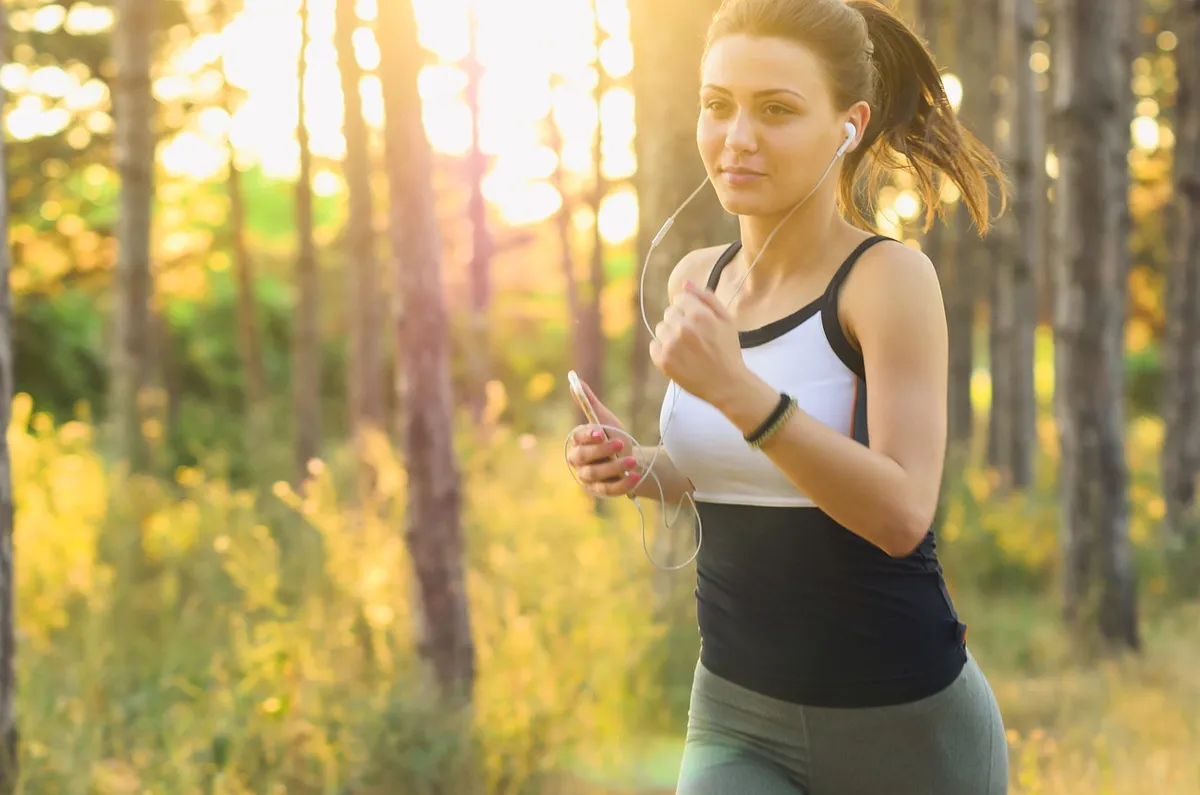
Background Selection for Maximum Impact#
Clean, uncluttered backgrounds typically perform about 50% better on social platforms. The human eye naturally gravitates toward faces, and distracting elements can diminish your portrait's impact. Keep at least 6 feet between yourself and the background whenever possible. This distance creates natural separation through depth of field, even when using a smartphone camera.
Capturing Authentic Expressions#
Modern social media favors authenticity over perfection. Engagement metrics show that natural expressions generate approximately 45% more interaction than stiffly posed portraits. The trick? Take multiple shots in quick succession—about 10-15 photos per pose—to capture those micro-expressions that occur between your more deliberate poses.
Before your session, practice expressions that feel natural to you. While a genuine smile remains universally appealing, don't limit yourself. A thoughtful or confident expression might better align with your personal brand, particularly for professional contexts.
Essential Posing Techniques#
- Angle your shoulders about 15-20 degrees from the camera for a slimming effect
- Slightly elevate your chin to define your jawline
- Create space between your arms and torso for a more dynamic silhouette
- Lean slightly toward the camera to appear engaged and approachable
- Relax your hands and shoulders to avoid appearing tense
Platform-Specific Optimization#
Each social platform processes images differently. Professional editors typically reduce saturation by 10-15% before posting, as most platforms automatically increase vibrancy. LinkedIn tends to compress shadows, so lighten dark areas by roughly 20%. Instagram often increases contrast, so reduce it slightly in editing.
| Platform | Recommended Adjustments | Optimal Dimensions |
|---|---|---|
| Lighten shadows, reduce contrast slightly | 400 × 400px | |
| Reduce contrast, maintain natural colors | 1080 × 1080px | |
| Slightly increase sharpness, watch saturation | 400 × 400px | |
| Minor vibrance boost, maintain natural skin tones | 180 × 180px |
Simple Editing Workflow#
Even the best-captured portraits benefit from thoughtful editing. Focus on enhancing rather than transforming your image with these simple steps:
- Adjust exposure to properly illuminate your face
- Slightly increase contrast for definition (8-12%)
- Selectively brighten eyes and reduce under-eye shadows
- Apply minimal skin smoothing that preserves natural texture
- Adjust white balance for natural-looking skin tones
Technical Requirements#
For optimal display across platforms, export your final portraits at 2048 pixels on the long edge with file sizes under 2MB. Maintain quality levels around 80% to balance sharpness with file size. This approach ensures your images display crisply without triggering platform compression algorithms that could degrade quality.
Conclusion#
Creating stunning social media portraits combines technical knowledge with artistic vision. By mastering fundamentals like lighting, composition, and thoughtful editing, you'll develop portraits that elevate your online presence and make meaningful connections with your audience. Remember that your best portrait should look like you on your best day—authentically you, just a bit more polished.
Looking to take your portraits to the next level? Consider investing in a simple foldable reflector to control shadows or explore our guide to smartphone camera settings for more technical control over your images.